A few extra pounds can be cheap insurance for a laptop built with expensive, fragile parts.
A 17-inch gaming laptop can turn an ordinary station platform, airport queue, or shared car trunk into a high-stakes trip. Its weight pulls at a soft bag’s seams; a sudden drop concentrates force at the corners; and a packed backpack can press hard enough on the lid to damage a display panel long before the chassis looks battered.
A hard case adds bulk, and that is a real compromise—particularly with machines already weighing 6 pounds or more. But rigid shells, cushioned interiors, and secure closures trade convenience for protection against impacts, crush loads, moisture, and careless handling. One screen or motherboard repair can cost far more than the case, making the extra carry weight a practical safeguard rather than excess luggage.
- For frequent vehicle or air travel, prioritize a rigid shell with internal foam clearance around the laptop’s corners.
- A waterproof rating matters most when the case may sit on wet pavement, in a trunk, or near boat and outdoor gear.
Pick protection for the trip ahead


A rigid equipment case uses a deep shell, perimeter seal, and foam that suspends the laptop away from impacts. It is heavier and consumes more space, but is the sensible choice when a gaming laptop may be stacked under other gear or exposed to rain.
A semi-rigid sleeve uses EVA panels to resist scuffs and localized pressure. It remains slim enough for everyday carrying, yet its zipper seams and shallow padding cannot provide the same crush resistance or water exclusion.
Protection is a system, not a shell
A hard-looking exterior can be misleading. Real protection comes from the load path: how impact and stacking force travel around the laptop instead of through its lid, keyboard deck, and hinge area. For a closer comparison of how sleeves protect differently from hard cases, consider what happens when a bag is wedged beneath another traveler’s carry-on.
A padded sleeve is primarily abrasion and minor-bump protection. Thick foam or EVA can soften a knock, but it compresses under sustained weight; a thin gaming-laptop display is then vulnerable to pressure transferred through the fabric.
A semi-rigid EVA case adds shape retention and a raised perimeter, making it a strong everyday choice when carried by hand or inside a backpack. The best versions use dense, closed-cell foam, reinforced edges, and a snug compartment so the laptop cannot gather momentum inside.
Rigid polymer cases sit at the top of the hierarchy. Their molded walls resist point loads, while pick-and-pluck or layered foam suspends the chassis away from the shell. A well-cut insert supports the laptop across its base, leaves clearance above the screen, and prevents lateral movement. Latches, an O-ring gasket, and corrosion-resistant hinges further matter on rough or wet trips; waterproofing is useful only when the case also stays closed and structurally intact.
A rigid case with loose foam can let a laptop strike its own walls. The lid should close without pressing directly on the display, while the base foam supports corners and underside evenly.
Measure the loaded laptop, not the screen
Compare the case’s actual interior length, width, and lid depth with the laptop’s widest points. Screen size says little about a 16-inch machine with a deep rear exhaust or broad chassis.
Include rubber feet, protruding ports, and any dongle left attached. Foam or a divider should hold the laptop still without pushing on the lid, keyboard deck, vents, or display.
A gaming power brick can be nearly as thick as the laptop at one edge. In a rigid case, it belongs in a separate foam cutout or compartment—not against the display lid. Close the empty case first, then close it with the full travel load; resistance or a bowed lid signals unsafe compression.
CASEMATIX: a sealed foam vault for gaming rigs
01
Best for maximum protection during demanding travel
CASEMATIX is the case to consider when a gaming laptop may be checked, stacked in a vehicle, left in a damp garage, or carried through genuinely rough transit. Its hard plastic shell, gasketed IP67-rated enclosure, and layered foam approach trade everyday convenience for a far more controlled environment around the machine.
The interior is intended for 15.6- to 17.3-inch gaming laptops plus peripherals, but screen size is only a starting point. Measure the laptop’s full footprint, rear exhaust protrusions, and closed-lid thickness, then plan the foam depth around the loaded setup. The case also deserves a realistic carry test: laptop, power brick, mouse, and keyboard can turn maximum protection into a notably heavy hand-carried package.
- IP67-rated sealed enclosure helps exclude dust and water
- Layered foam can be adjusted for laptop and accessory depth
- Rigid shell is suited to crushing and impact risks
- Space accommodates more than a laptop alone
- Much bulkier than a sleeve or conventional backpack
- Loaded carry weight can become tiring
- Foam layout requires careful fit planning
- Not the most convenient option for daily commuting
Quick take A serious protective enclosure for expensive gaming hardware when the journey is more dangerous than the walk from desk to car.
For high-consequence transport, CASEMATIX makes the size penalty feel justified. Fit is the deciding detail: a carefully measured laptop and foam plan will protect far better than forcing a nominally compatible machine into place. It is excessive for routine errands, but reassuring when moisture, stacking pressure, and hard knocks are credible risks.
Best value for everyday gaming-laptop transport
DOMISO Waterproof Hard Shell Laptop Case is the sensible everyday step up from a soft sleeve: a high-density EVA clamshell with a retractable handle, laptop restraint, and separate zipped space for small accessories. It suits a 15.6- to 16-inch gaming laptop moving between home, class, office, and car, where crowded bags, desk-edge knocks, and a brief walk through rain are the realistic threats. Its water-resistant shell is useful for splashes and light weather, not a substitute for a sealed travel case.
- Rigid EVA resists routine compression
- Separate accessory compartment
- Laptop strap limits internal movement
- Retractable handle aids short carries
- Budget-friendly protection
- Not rated for immersion
- Limited protection in high drops
- Not suitable for checked baggage
- Confirm interior dimensions carefully
For roughly $25, DOMISO delivers meaningful protection against the damage most gaming laptops meet every day: bag squeeze, scratches, minor impacts, and incidental moisture. The 90-degree opening and divided layout also keep a charger or mouse from riding directly against the machine. For overhead bins, checked luggage, repeated hard drops, or gear stacked on top, a true equipment case with fitted foam remains the safer choice.
A practical choice for organized daily carrying
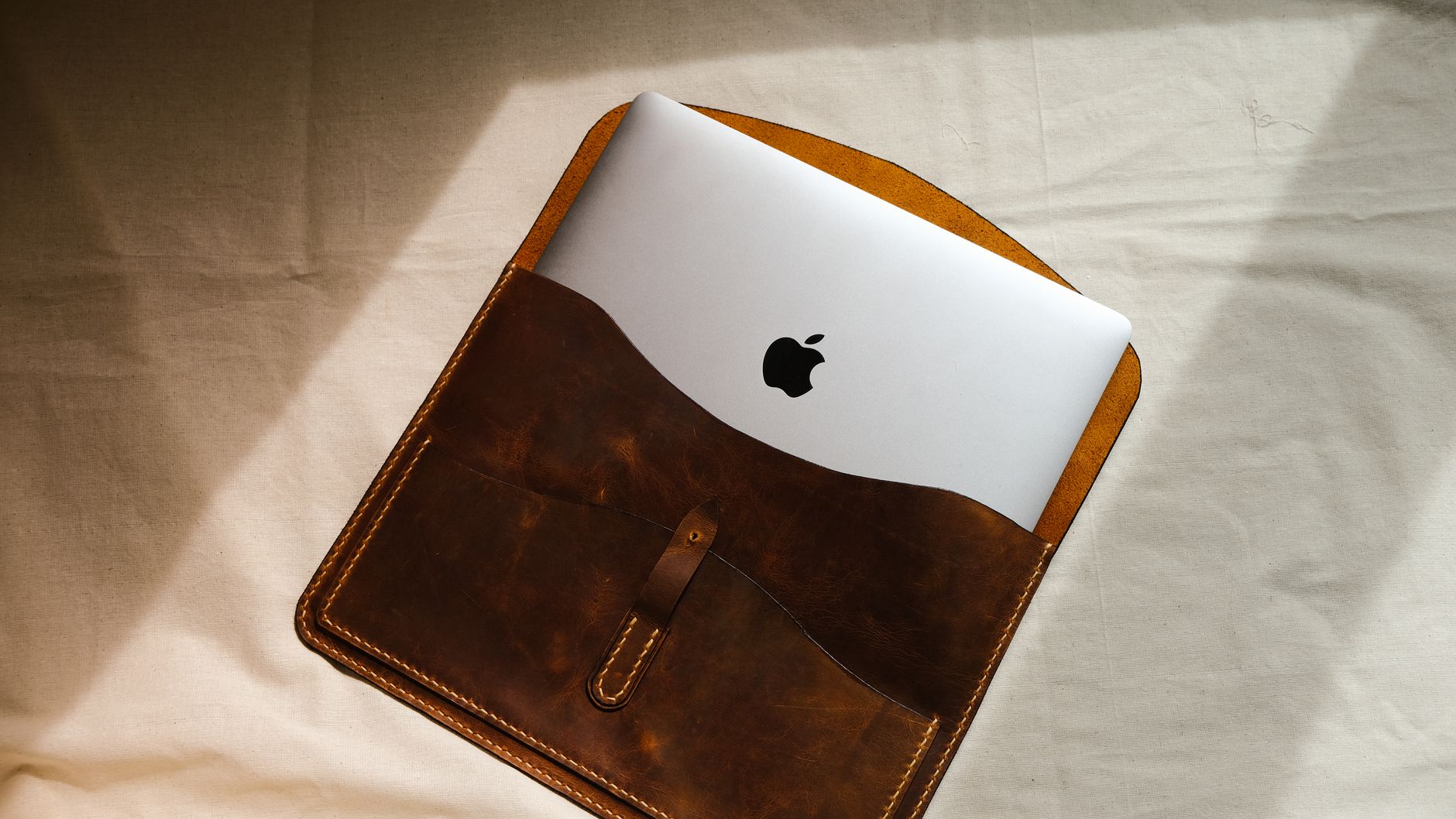
MOSISO Shockproof Hard Laptop Sleeve is the sensible middle ground for a gaming laptop that spends most days moving between home, campus, office, and car. Its rigid EVA structure and soft velvet lining give the machine a defined, low-fuss home, while the handle and slim profile make it easy to slide into a larger backpack or carry alone for short hops.
The front pockets matter because organization protects: keeping the charger brick, mouse, keys, and cables out of the main compartment prevents hard objects from pressing into the lid or screen when the bag is squeezed. It is a commuter sleeve, not a case for checked baggage, high drops, or sustained crushing loads.
- Rigid EVA shell adds everyday shape retention
- Velvet interior helps prevent cosmetic scuffs
- Separate front storage keeps accessories away from laptop
- 180-degree opening simplifies packing and access
- At 1.24 kg, it is heavier than a soft sleeve
- Front pockets can become bulky if overpacked
- Not built as a sealed, foam-fitted transit vault
- Fit must be checked against the laptop’s actual depth
For gaming laptops that mostly face commuter bumps rather than baggage-handler abuse, MOSISO is an appealing structured sleeve at around $30. Its best protection comes from treating the laptop bay as a laptop-only zone and using the outer pockets for smaller essentials. Choose a sealed hard case with fitted foam when severe impacts or crushing are credible risks.
| Best journey | Impact defense | Accessory layout | Weather defense | Trade-off | ||
|---|---|---|---|---|---|---|
|
CASEMATIX Waterproof Hard Case for Gaming Laptops
High-risk transport
|
Checked transit, wet conditions | Custom foam layers | IP67 sealed | Bulky, heavier carry | Check price | |
|
DOMISO Waterproof Hard Shell Laptop Case
Routine travel
|
Car, office, campus | Separate zip pocket | Water resistant | Less crush resistance | Check price | |
|
MOSISO Shockproof Hard Laptop Sleeve
Daily commute
|
Train, desk, daily carry | Front quick-access pockets | Waterproof EVA exterior | Not for severe impacts | Check price |
A sealed CASEMATIX-style vault earns its bulk when a gaming laptop faces airline handling, vehicle cargo, job sites, or prolonged rain. Its foam can be shaped around the machine, but accessories should not press against the lid or hinge line.
For predictable travel, the DOMISO supplies a sensible middle ground: structured EVA, a restrained laptop bay, and a separate pocket keep routine knocks and cable clutter under control without turning every commute into equipment hauling.
The MOSISO is the practical choice when fast access matters most. Its 180-degree opening and external organization suit daily movement, provided the case remains inside a backpack or is kept away from crushing loads.
Underbuying leaves a heavy gaming chassis vulnerable to concentrated impacts. Overbuying can be nearly as frustrating: a large rigid vault adds weight, consumes overhead-bin space, and may discourage carrying the laptop at all. Match the case to the harshest likely leg of the journey, not an imagined expedition.
A packing routine that keeps a gaming laptop safe in transit
-
Shut down, cool down, and remove loose media
Power the laptop off rather than leaving it asleep, let warm exhaust areas cool, and remove discs, USB receivers, and SD cards. A hot machine trapped in foam or a tight sleeve has nowhere useful to shed heat.
-
Fit the laptop before filling the empty space
Seat the chassis flat in its dedicated bay, with no pressure on vents, hinges, sticks, or display corners. In a foam case, build a snug perimeter around the laptop; in a structured sleeve, fasten the internal retention strap if provided.
-
Give every accessory its own restrained space
Put the charger, mouse, headset, and power bank in separate pockets or foam cutouts. Never lay a brick charger on the lid or keyboard: it becomes a concentrated impact load when the case is dropped.
-
Test for movement, then close without force
Close the case gently and shake it lightly. Nothing should shift, rattle, or make the lid bow; add or reshape padding rather than forcing a too-full case shut.
-
Carry on when possible and keep weight off the case
For protected laptop travel on flights, cabin carry-on avoids much of the crushing and impact risk of checked baggage, though screening rules and size limits still apply. In cars and venues, keep the case flat, secured, and away from hot trunks, footwells, and stacked equipment.
No laptop case guarantees survival in checked baggage or under heavy cargo.
Claims worth testing before purchase
An IP rating applies only when the case is fully closed and undamaged.
IP67 hard cases resist temporary immersion; splash-resistant sleeves do not. Inspect gasket continuity and latch pressure.
Screen size says little about chassis width, depth, thickness, or rear feet.
Compare the loaded laptop’s measured dimensions with interior dimensions, leaving room for foam compression and lid clearance.
Pockets can create pressure points, and built-in locks mainly deter casual opening.
Keep chargers out of the laptop bay; check lock hardware and hinges for stated load ratings. Confirm return terms after a real packing test.
How should fit be checked before the return window closes?
Pack the laptop, charger, and normal accessories. Close it without force, then check for lid contact and shifting.
Are TSA-style locks enough for checked baggage?
No. They discourage opportunistic access, not determined theft or baggage abuse. A locked hard case still belongs in cabin carry-on when possible.
When does a larger hands-free carrier make sense?
For long walks, multiple peripherals, or frequent transfers, consider backpack options built for large laptops. The case should ride in a padded compartment rather than hang from a single strap.
Can accessories share the main compartment?
Only when a rigid divider or cut foam prevents contact. Power bricks and metal adapters become impact hazards when loose.
Protection only works when the fit is real
Start with three questions: will the case face checked baggage, wet loading bays, or stacked cargo; what are the laptop’s measured length, width, thickness, and power-brick load; and will it be carried daily or only on high-risk trips?
For maximum protection, the CASEMATIX Waterproof Hard Case is the clear choice when its foam leaves firm, even support around the actual machine. The DOMISO Waterproof Hard Shell Laptop Case provides sensible budget structure for careful commuting. The MOSISO Shockproof Hard Laptop Sleeve is the better daily organizer where quick access and separated accessories matter. A claimed screen-size range is secondary: the fully packed laptop must close without lid pressure or loose movement.