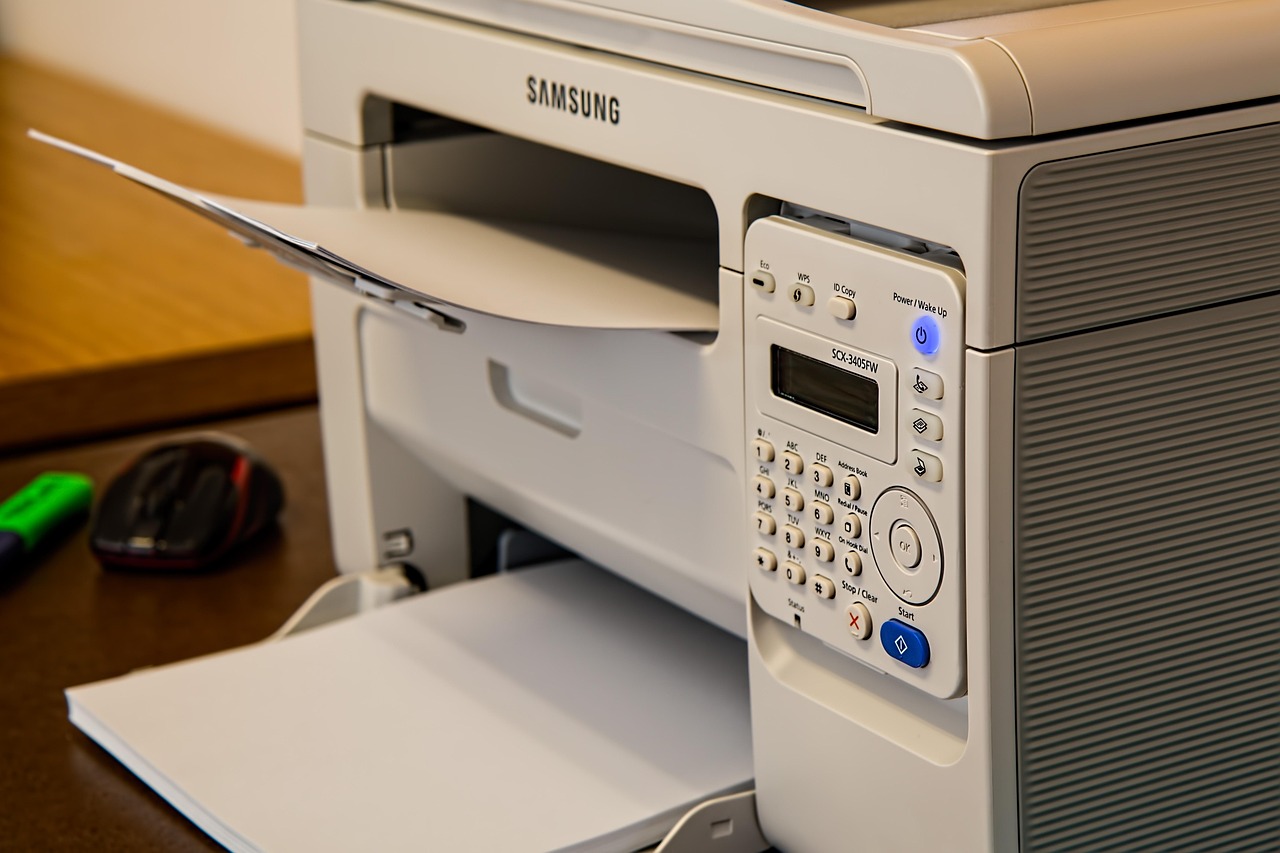
The cheapest printer can become the most expensive appliance in the house.
A $60 inkjet feels like a win until a school project is due and one empty color cartridge stops black-text printing. Printing rhythm matters more than the logo on the lid. Occasional forms and shipping labels suit a compact monochrome laser: toner waits patiently between jobs. Regular color handouts, scans, and photos justify an inkjet, but only if replacement ink is readily obtainable locally or online.
Before buying, check the exact cartridge or bottle price—not a vague “from” figure—and whether third-party supplies are acceptable. A higher upfront price can be sensible when it avoids frequent cartridge changes; a low-volume household should not pay for a large machine’s capacity.
- Confirm supply prices and local availability before checkout.


Match the printer to real use
Begin with printing cadence
The first decision is whether printing is predictable or mostly an occasional emergency. A household producing school packs, forms, labels and invoices every month can justify a machine designed for steady running. One that prints a travel document after weeks of silence needs dependable wake-up behaviour and minimal maintenance instead. Counting pages across three ordinary months is more revealing than remembering one unusually busy week.
Record what actually comes out
Separate black text from colour pages, and note whether colour means charts and worksheets or genuine photographs. Photos demand good paper handling and pigment or dye quality; occasional colour diagrams do not. Also check for:
- Scanning needs: a flatbed suits single pages and photos; an automatic document feeder matters for multi-page forms.
- Paper types: labels, envelopes and card stock need a supported media weight and a straighter paper path.
- Idle time: cartridges can dry or clog, while toner is generally more tolerant of long gaps.
- Peak jobs: a 10-page monthly average may still include 80-page school or tax batches, making tray capacity and duplex printing worthwhile.
The price tag is only the opening cost
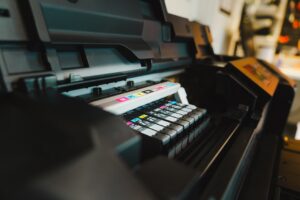
A low purchase price can conceal expensive cartridges, particularly when the box includes starter cartridges with only a fraction of the normal yield. Compare the price and stated page yield of replacement black and colour supplies, then check how ink cost per page is calculated before choosing.
Cost per page is a valuable baseline for ordinary documents, but it assumes standardized coverage: typically about 5% of a page. A full-page colour chart, borderless photograph, or dense school poster consumes far more ink than that figure suggests. Photo printing also adds specialty paper, and occasional nozzle cleaning can use ink without producing a page.
Include the less visible expenses: paper quality, replacement drums or maintenance boxes, printhead servicing, and any subscription’s monthly minimum. A subscription can be economical for steady output, yet poor value when pages expire unused or printing is seasonal.
Price a realistic year of printing: printer, one or two replacement supply sets, and the paper actually intended for use. A higher-priced tank printer can cost less within months when colour pages are frequent.
Choose the engine before the brand
An inkjet is the flexible choice for occasional colour documents, labels and photos. Dye inks usually give the richest glossy-photo colour, while pigment inks resist water and fading better and produce sharper plain-paper text. Its trade-off is idle time: printheads can clog after long gaps, particularly in dry rooms.
An ink-tank inkjet uses the same broad-purpose approach but makes far more sense when colour pages recur every week. Bottled ink drives page cost down dramatically, yet it does not solve the need to print regularly; a small nozzle-check page every few weeks helps keep the system healthy.
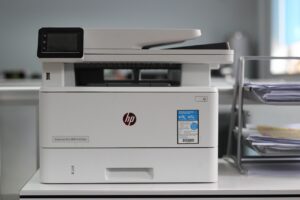
A laser or LED printer is the low-drama choice for mostly black text, forms and school handouts. Toner does not dry out, output is crisp immediately, and a high-capacity tray suits burst printing. It can be slower from sleep because of warm-up, and compact models still need clearance for paper and rear access.
Colour laser is strong for charts, but cannot match inkjet on glossy photos, borderless prints or subtle skin tones. LED machines use a fixed LED array rather than a scanning laser; for home buying, consumables, drivers and size matter more than that distinction.
Compact monochrome laser
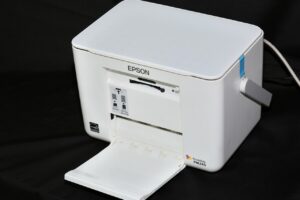
For homes that mainly print black-and-white pages unpredictably, this 30 ppm laser avoids dried-ink anxiety. Its 250-sheet tray, dual-band Wi-Fi and USB connection make it practical for shared documents; it is not a scanner or a colour/photo printer.
When colour documents are not photo prints
A printer that produces attractive charts, schoolwork, and invitations is not automatically a satisfying photo printer. Ordinary colour printing mainly needs clean text, solid fills, and low running costs on plain paper. For a household that prints only the occasional snapshot, a general-purpose inkjet is usually the sensible compromise.
Frequent photo printing changes the specification. Borderless printing avoids the white frame on standard 4 × 6-inch prints, while a dedicated photo-paper feed or reliable rear feed reduces scuffs and misfeeds with heavier glossy stock. Check the supported paper sizes and weights rather than assuming every colour printer handles photo media equally well.
What makes a visible difference
- Ink set: More photo-oriented inks can improve subtle skies, skin tones, and black-and-white neutrality; basic four-colour systems prioritize versatility and cost.
- Paper matching: Glossy, satin, and matte papers need the correct media setting and compatible ink for believable colour and sharp detail.
- Longevity: For albums or framed gifts, use the manufacturer’s archival claims for the specific ink-and-paper pairing. Dye prints can look vivid, but light and humidity matter.
A dedicated photo printer earns its cost when prints are made regularly, not merely when a camera roll contains great images.
Photo-capable all-in-one
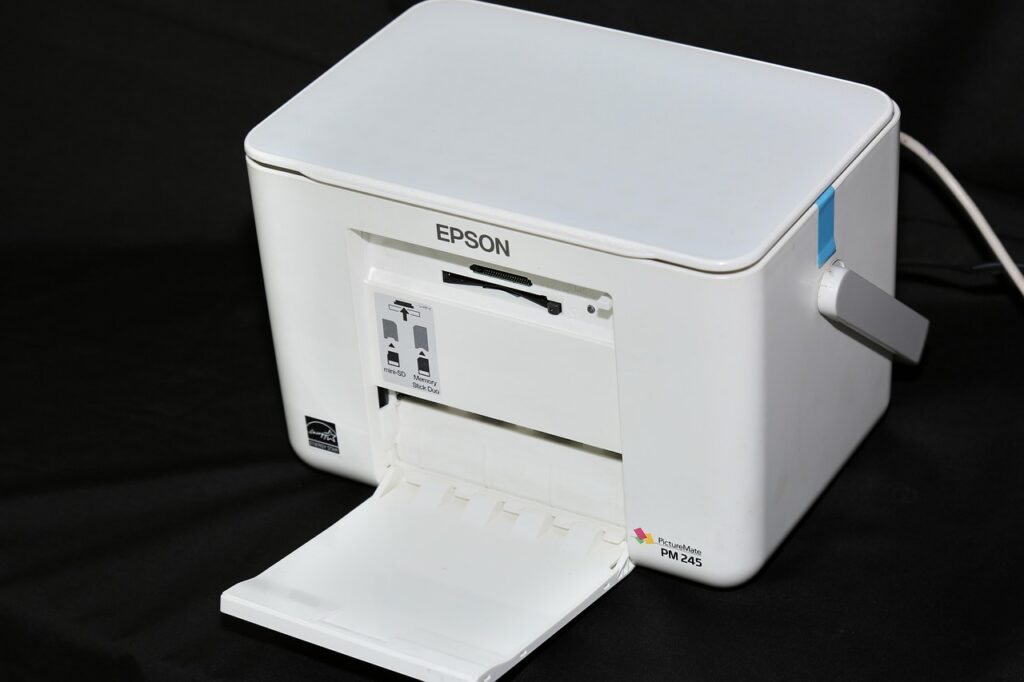
A multifunction thermal-inkjet model for photos alongside homework and documents. It supports glossy photo paper and high-resolution paper, plus scanning, copying, wireless setup, and mobile printing.

Features that shorten the paperwork pile
-
Automatic document feeder (ADF)
An ADF turns a 20-page school packet, insurance form, or copied handout into one job instead of 20 lid lifts. Capacity matters less than reliable feeding of mixed, ordinary office paper.
Worth paying forA 35–50-sheet ADF for regular multi-page work.Easy to misreadA flatbed-only model when packets are copied or scanned often. -
Two different kinds of duplex
Automatic duplex printing saves paper by printing both sides. It does not mean the scanner can capture both sides of an original without manual turning.
Worth paying forADF duplex scanning when double-sided forms are routine.Easy to misreadAssuming “duplex” alone covers both printing and scanning. -
Copy and scan controls
One-touch ID copy, PDF scanning, and scan-to-email or cloud folders remove phone-app friction. A flatbed remains useful for passports, receipts, books, and damaged originals.
Worth paying forA flatbed plus clear PDF and destination options.Easy to misreadApp-only scanning for household records.
A printer may print on both sides automatically yet scan only one side at a time. Some ADFs reverse the sheet to scan its back; faster models use two scan heads in one pass. For regular double-sided records, check whether both sides are captured automatically, and whether the specification says single-pass or reversing duplex.
For occasional forms, manual flipping is tolerable. For a stack of bank statements or signed agreements, it quickly becomes the feature that determines whether scanning actually gets done.
Connectivity should survive daily life
Wi‑Fi is not interchangeable across models. A printer should support the home router’s band and security settings—ideally dual-band 2.4/5 GHz—and retain its connection after sleep, router restarts, and firmware updates. Cheap models can be perfectly capable until a crowded 2.4 GHz network turns every print job into troubleshooting.
Phone and tablet printing deserves a real test. AirPrint and Mopria allow routine printing without installing an app; a manufacturer app is still useful for scanning, maintenance, and setup, but should not be the only path. Check whether scanning to a phone, cloud folder, or email requires a vendor account.
Consider the less glamorous connections
- Ethernet is often the best choice for a printer that will live beside a desk or router: it is stable, fast to rediscover, and unaffected by weak Wi‑Fi.
- Confirm that Windows, macOS, ChromeOS, iOS, and Android support is current for every household device.
- Look at the maker’s history of driver and firmware support. An older printer with a maintained basic driver is usually safer than one dependent on a discontinued app.
- Read setup notes for account creation, cloud-only features, and firmware policies before buying.
Choose for the household’s busiest job
A home printer rarely needs to excel at everything. The better choice is the one that makes the dominant weekly task inexpensive and low-friction—even if another, less frequent job is merely adequate.
- Low-use homes: A monochrome laser is usually the calmest option for boarding passes, forms, and occasional letters. Toner does not dry out between jobs, and colour can be ordered elsewhere when it is genuinely needed.
- Busy document households: Choose a laser or a business-focused inkjet with automatic duplex printing and an ADF. The paper tray, output speed, and one-pass scanning matter more than photo quality when bills, school notices, and return labels arrive in batches.
- Homeschool households: A refillable-tank colour all-in-one makes sense when worksheets, maps, diagrams, and craft material flow steadily. A flatbed scanner remains useful for books and fragile originals; an ADF helps with multi-page assignments.
- Home offices: Prioritise reliable network connection, an ADF, duplex printing, and a separate high-yield black supply. For frequent signed contracts or two-sided records, automatic duplex scanning is worth paying for—it removes a surprisingly time-consuming manual step.
A photo-capable inkjet may still print a report, and a laser may still produce a colour chart. But buying around occasional exceptions often leaves the routine work slower and costlier. Start with the highest-volume task, then confirm the machine handles the next most important one.
Best for recurring colour worksheets
This wireless refillable-tank all-in-one is built for families that print colour often: Canon rates one ink set for up to 6,000 black or 7,700 colour pages. It prints, copies, and scans, with borderless printing for projects. Note that it is single-sided printing, so it is less compelling for paperwork-heavy duplex workflows.
Low-priced models often include small starter cartridges and use costly, chip-protected replacements.
Compare the price and stated yield of standard and XL supplies before buying; calculate from the supplies actually available locally.
Tank ink can be excellent value, but an inkjet that sits unused for months may need cleaning cycles or recover poorly from clogged nozzles.
Choose a tank only when colour printing happens regularly. Check cleaning requirements, waste-ink servicing, warranty exclusions, and the cost of a replacement printhead.
Network changes, sleep settings, router band steering, app accounts, and aging drivers can still stop a connected printer from printing.
Confirm dual-band support, a usable USB fallback, current operating-system drivers, and a return window. Measure the footprint with trays open; also check noise, standby power, and warranty service.

A practical way to make the final choice
-
Put a number on monthly pages
Separate black-and-white pages, colour documents, and photos. Include occasional school or work bursts, not only an average quiet month.
-
Select the print engine first
Choose laser for irregular text-heavy use, a cartridge inkjet for modest mixed use, or a refillable tank for sustained colour output. Photo printing may justify a photo-focused inkjet instead.
-
Write down the non-negotiables
Duplex printing, an ADF, automatic duplex scanning, borderless photos, legal-size scanning, or a small footprint should be requirements—not bonuses.
-
Price the routine, not the printer
Check full-yield ink or toner prices, stated yield, replacement maintenance parts, and whether starter supplies are reduced-capacity. Confirm that the paper path accepts the media actually used.
-
Test the connection and narrow the field
Verify current operating-system support, native mobile printing, Wi-Fi band compatibility, and Ethernet where the printer will sit. Then compare only two or three models that pass every requirement.
A discounted model that conflicts with the household’s normal routine is rarely a bargain.
- The winning model is the one that remains inexpensive and easy to use after the first supplies run out.
- A short list based on hard requirements makes sales promotions easier to judge.
The best home printer is not defined by its launch price or feature count. It is the model whose engine, supplies, paper handling, scanning tools, and connection method suit the work that returns week after week.